 narenana
“Whoever made this… they are an actual FPV pilot, ’cause they put in stuff which is realistic.” He also stresses what makes it easy to try: it's completely free, there's nothing to download, and you don't need a powerful computer — you just open the browser and fly. Watch the full review →
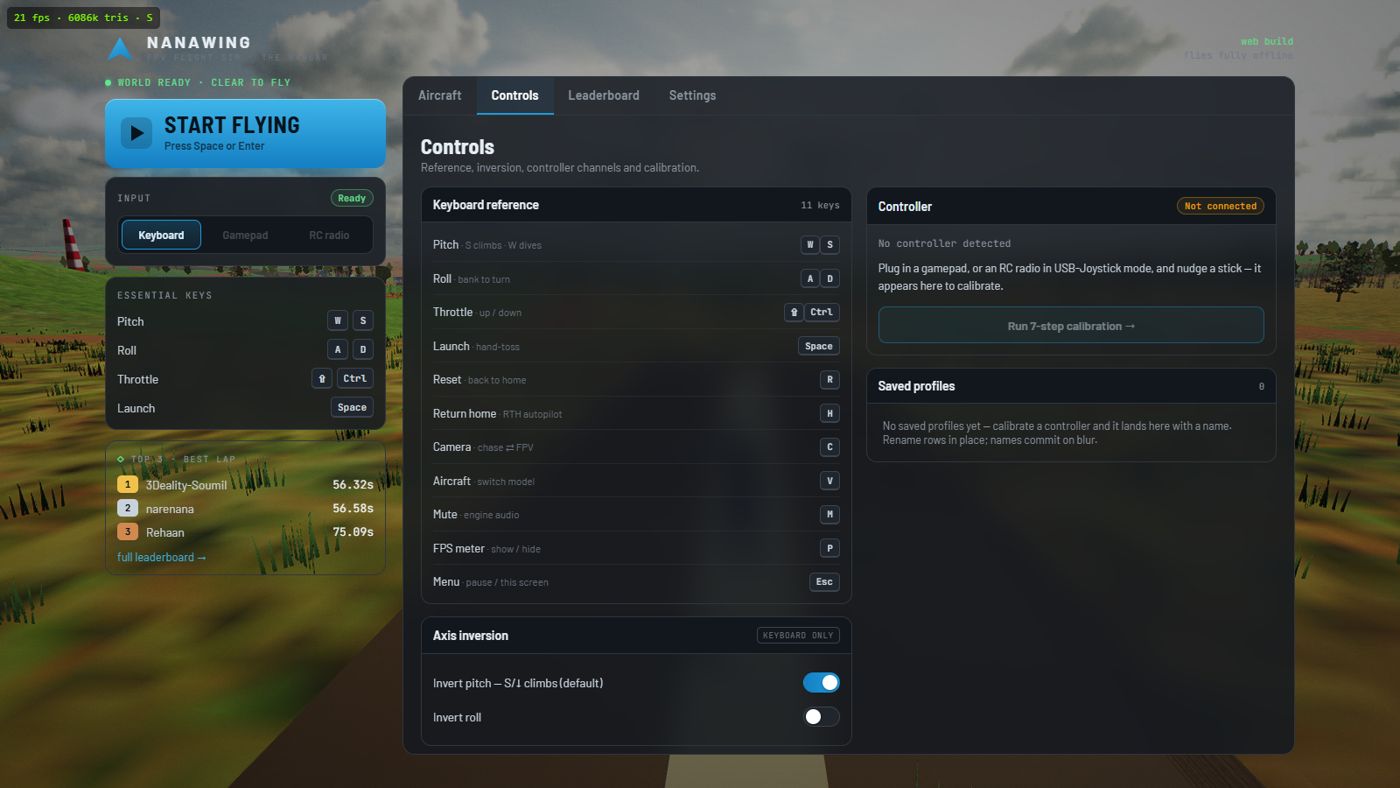
How to play
Every key, the pull-back-to-climb convention, hand-launching, cameras, and the full 8-step RC radio calibration.
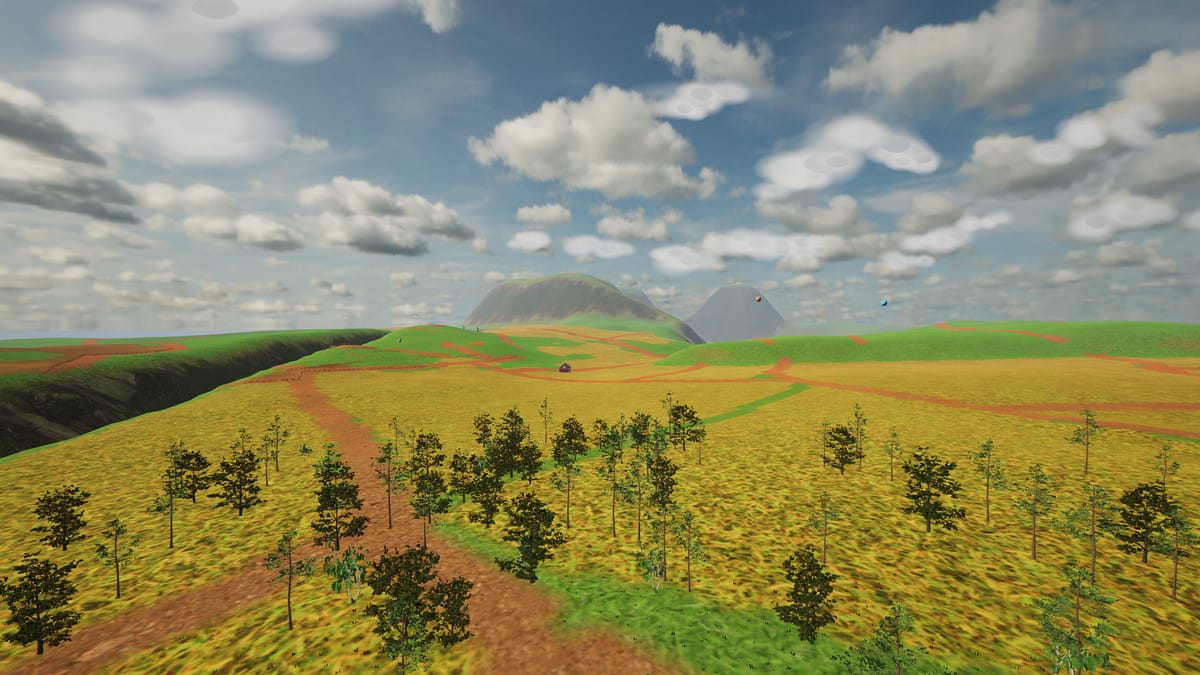
What are FPV wings?
Elevons, goggles, hand-launches — the hobby behind the sim, and why flying wings are its fastest corner.
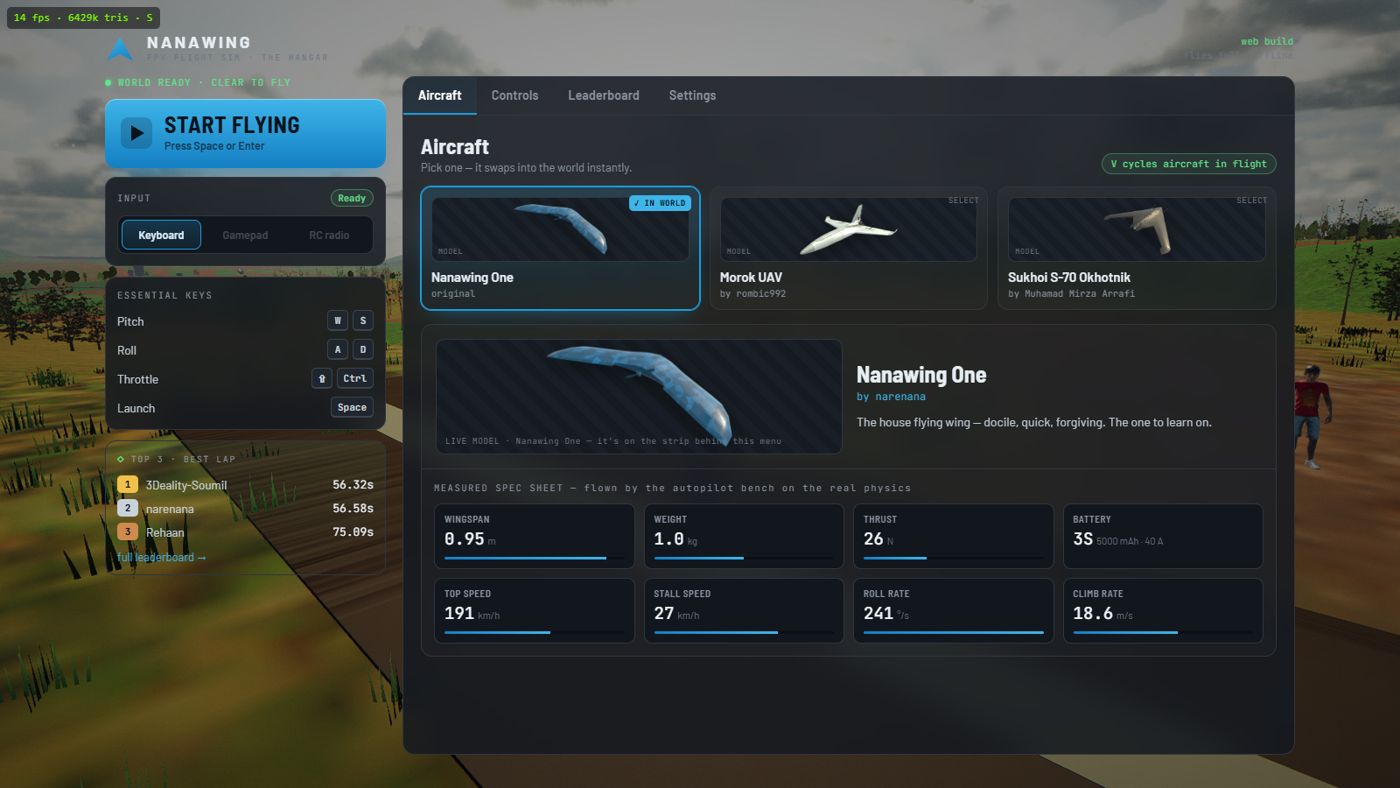
The aircraft
Nanawing One, Morok UAV, Sukhoi S-70 Okhotnik and WUDFLY Spectre — with specs from the simulator's flight model.
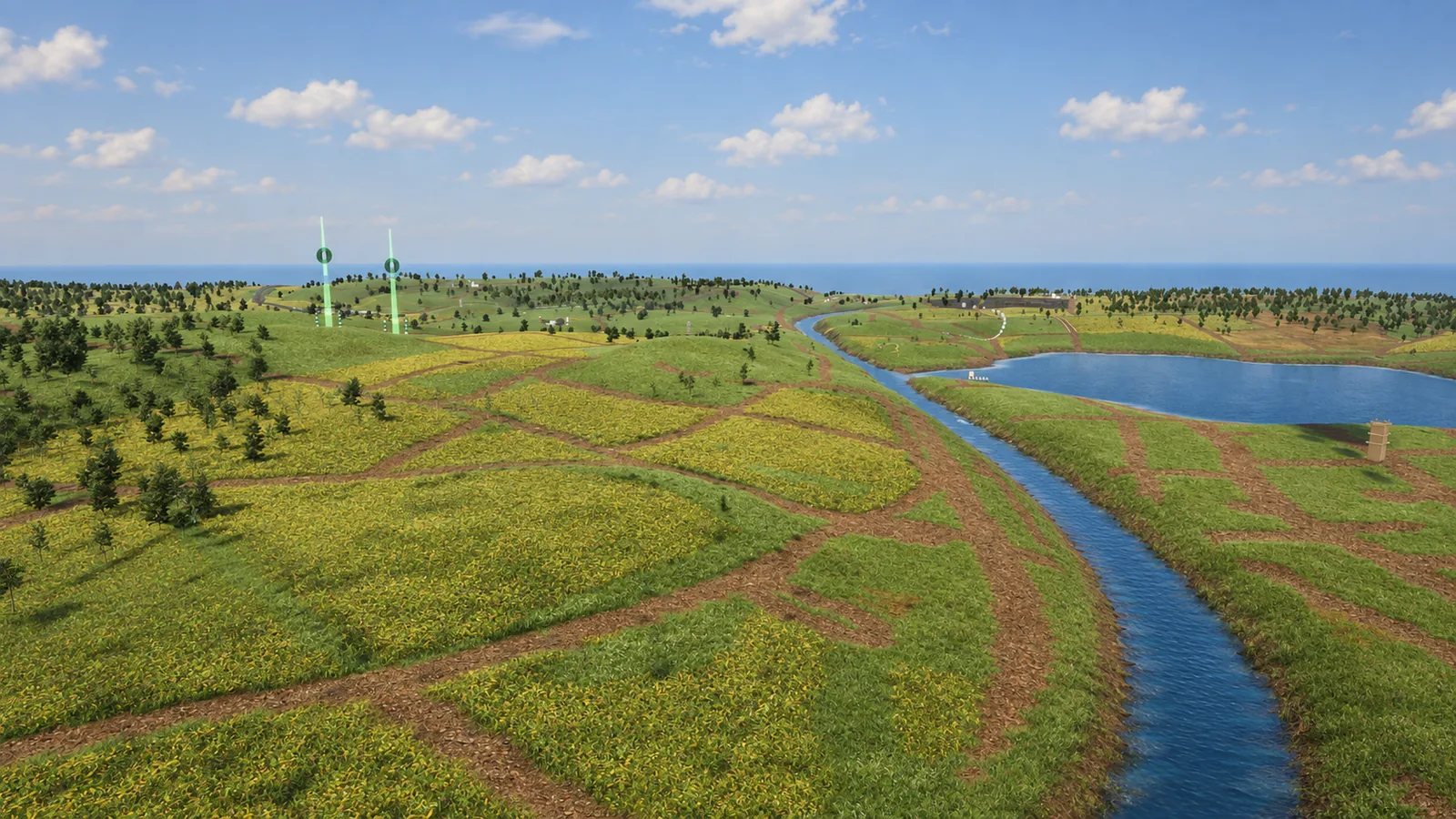
The island
The original map, with a flying tour: the strip, the farmland, two lakes, the gorge, the turbines and the trains, plus its two race tracks and live boards.
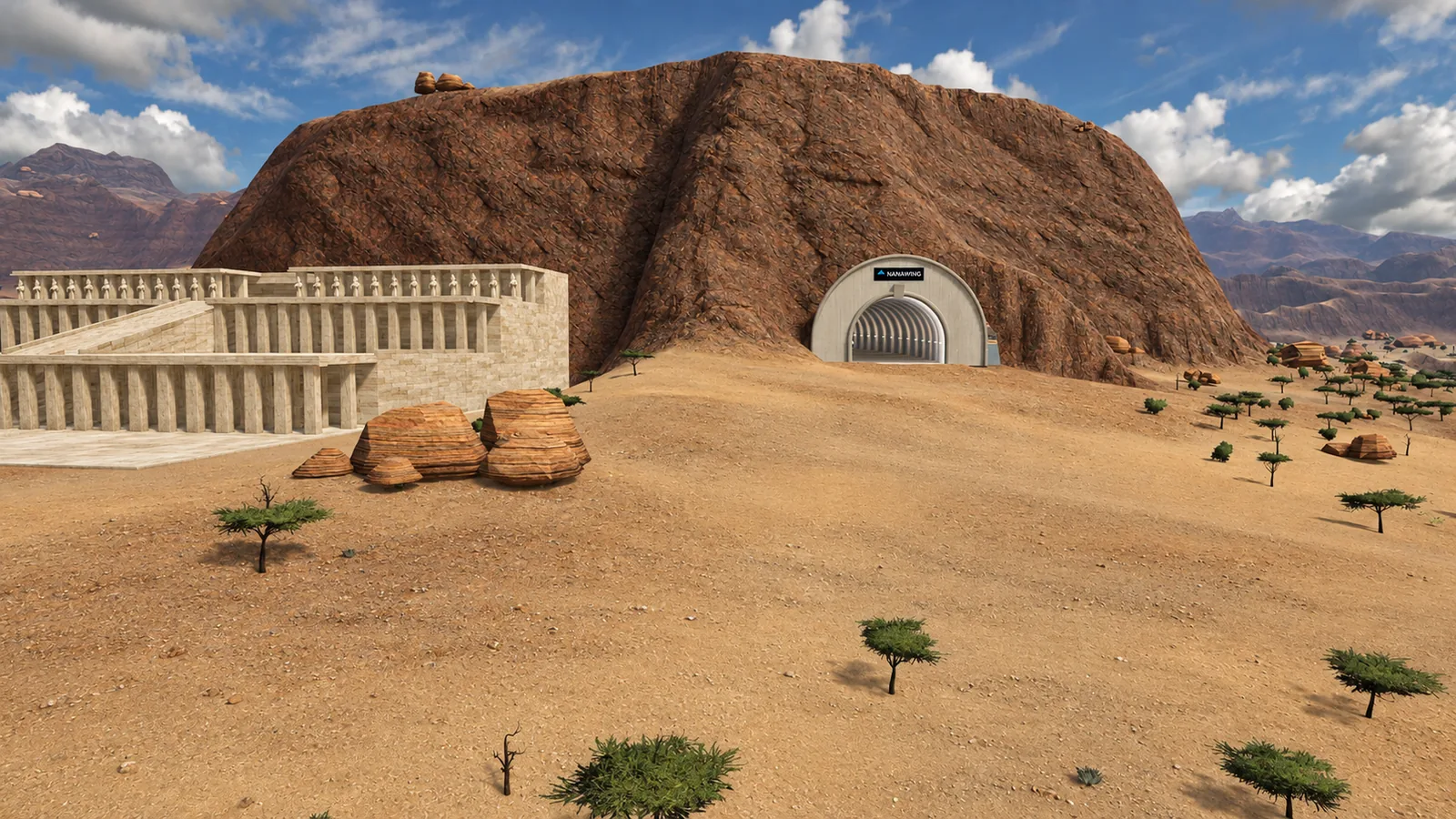
The desert BETA
The second map: an airfield under the mesas, a tunnel bored through the rock, temples, a sphinx avenue and three pyramids.
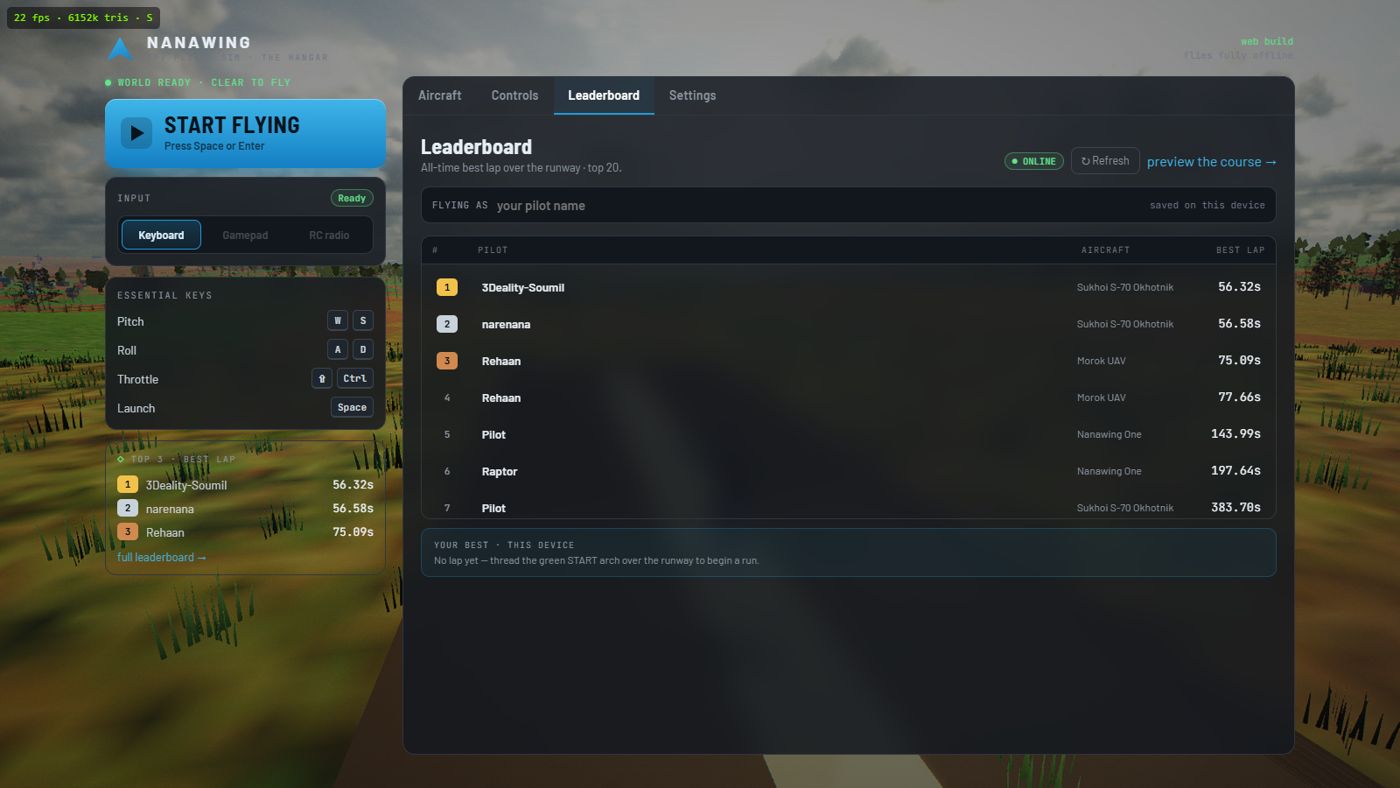
Racing & the leaderboard
No race menu — thread the green arch and you're on the clock. Four courses on two maps, medals, lap craft, and how the global boards keep score.
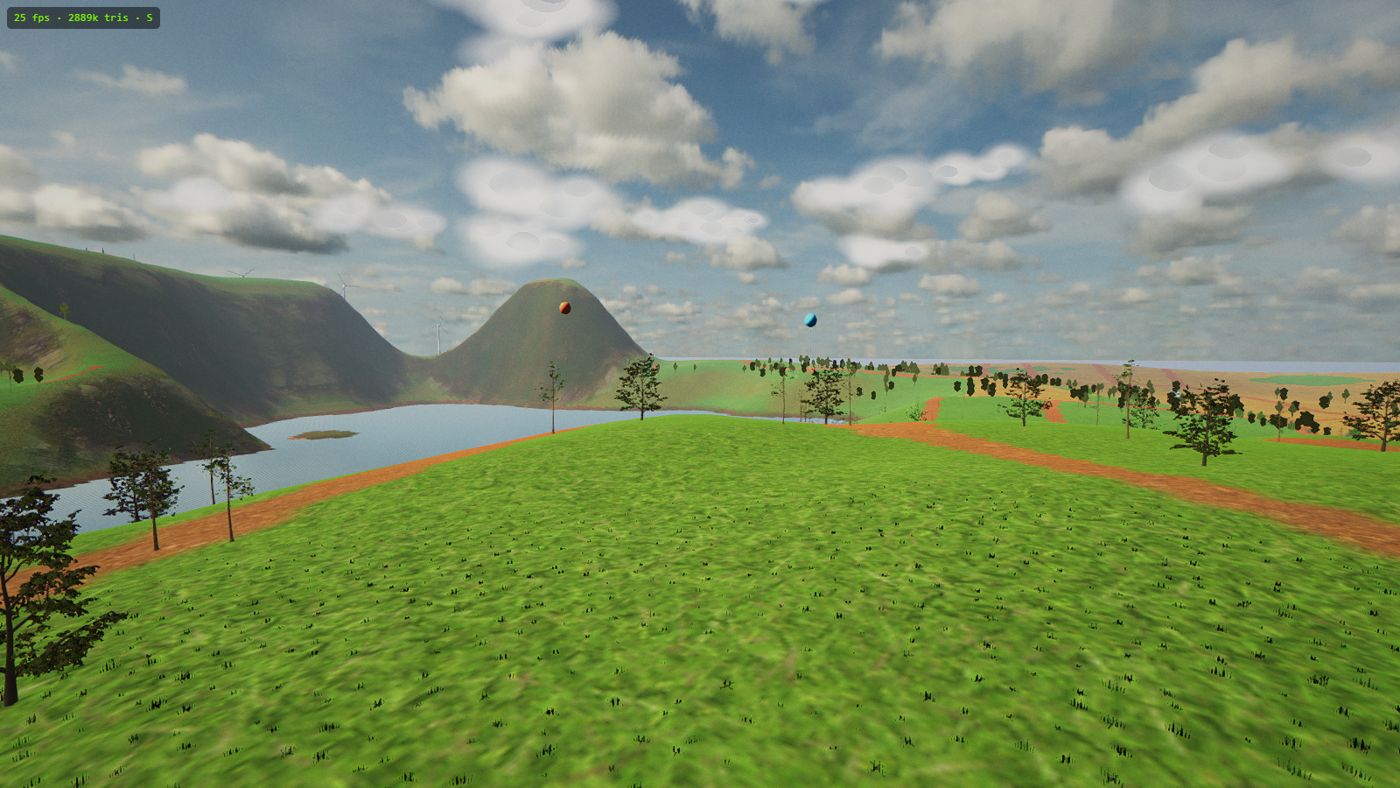
How it's built
Satellite terrain, tree impostors, a measured performance benchmark, offline-first — the engineering under the wing.
Getting started
Short, practical answers for the most common ways people arrive.
No controller? Fly on the keyboard
Yes, you can fly a full FPV sim with just your keyboard — the exact keys, the climb convention, and adding a controller later if you want one.
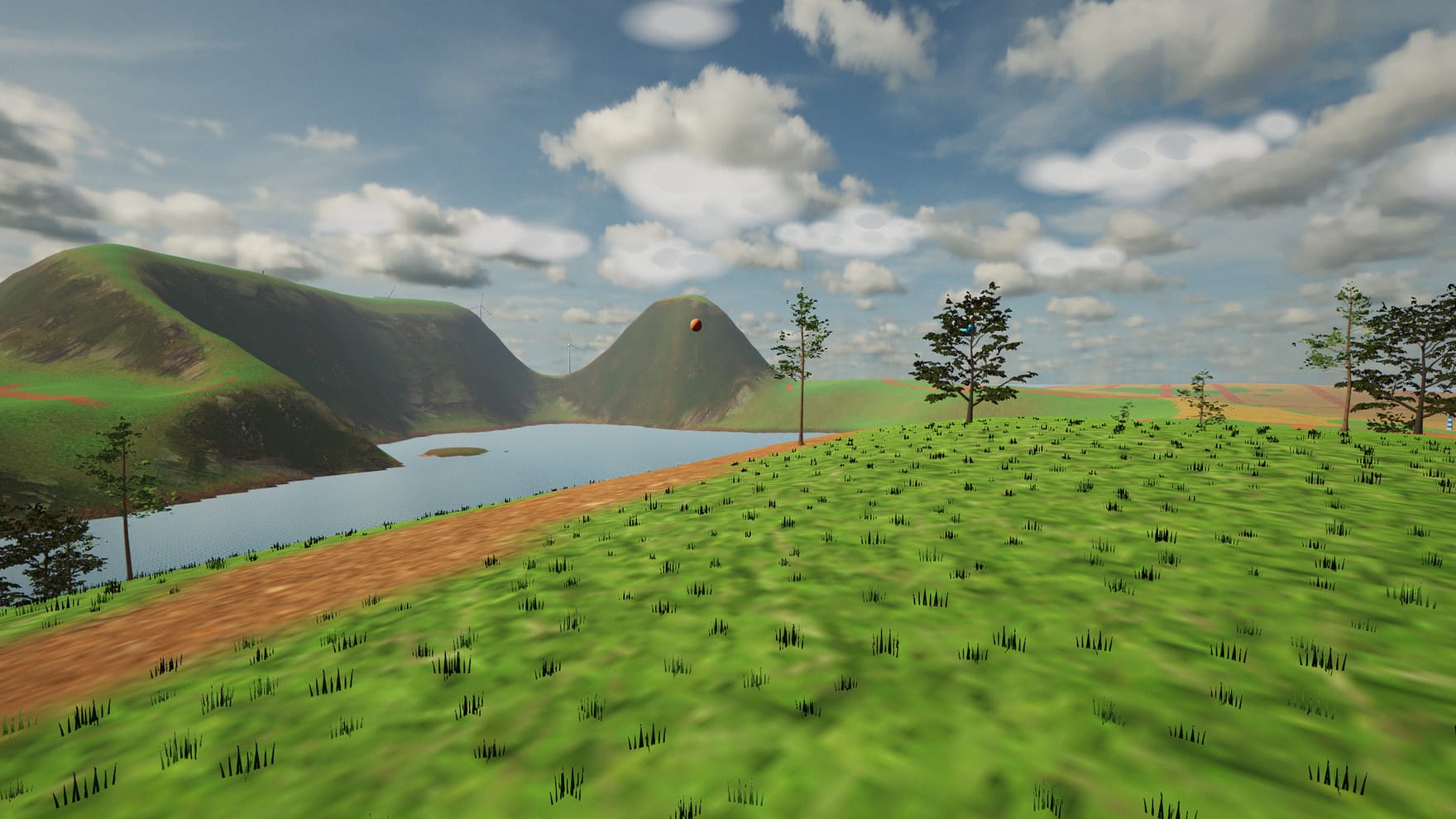
On a Chromebook, Mac or Linux
Runs in the browser tab — no download, no install, works on locked-down school Chromebooks, and auto-tunes graphics to your machine.
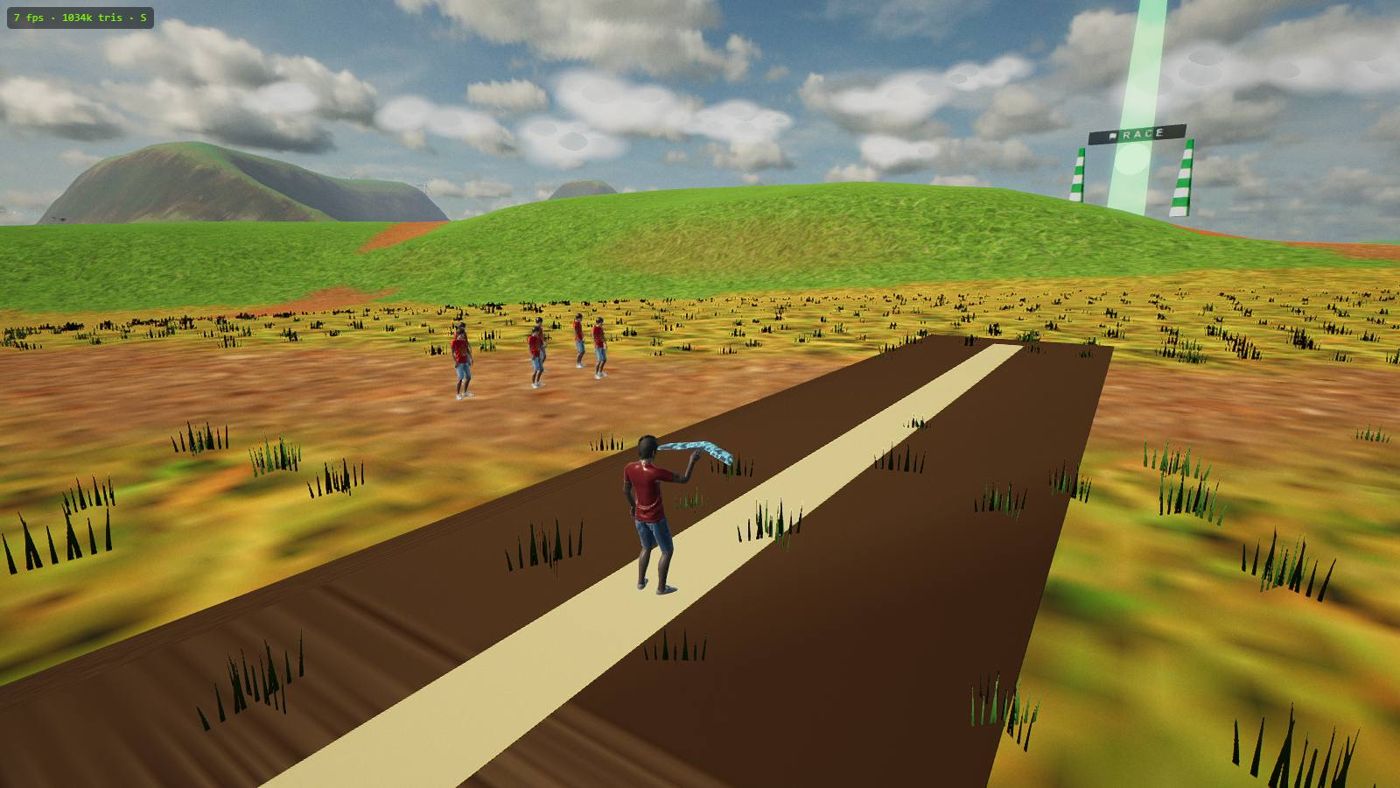
Practice FPV without a drone
Build the skills that transfer to real hardware — bank-then-pull turns, energy management, stall recognition — for free, with an instant Reset.