 narenana
The shape: no tail, no rudder, two moving parts
A flying wing is exactly what the name says: an aircraft that is only wing. No fuselage worth mentioning, no tailplane, no fin, no rudder — a swept delta shape where everything that keeps the aircraft flying and steering lives in one clean triangle.
Conventional planes spread the work across four or more control surfaces. A wing does it all with two elevons, one on each trailing edge. The name is a straight contraction of elevator + aileron, and so is the job: move both elevons together and the nose pitches up or down, like an elevator; move them in opposite directions and the wing rolls, like ailerons. Your pitch and roll inputs are mixed together and sent to just two servos.
By banking. Roll toward where you want to go, then pull back a touch to carve the turn — pilots call it bank, then pull. Roll without pulling and you slide sideways losing height; pull without rolling and you just climb. It feels odd for about two flights and then becomes the most natural thing in the world. A wing with two motors has one more trick: run them at different speeds and the nose swings sideways. Nanawing's twin-motor Spectre does this on a controller's yaw stick, most strongly when it flies slowly, and it still turns by banking. The controls guide walks through banking key by key.
The letters: what FPV actually means
FPV is first-person view. Instead of standing in a field watching a distant speck, you fly through a camera mounted in the nose, usually wearing goggles that put you inside the aircraft. Overlaid on the video is the OSD — on-screen display — a thin layer of telemetry: altitude, speed, battery state, and an arrow pointing home. It is the cockpit view of a plane that has no cockpit, and once you have flown that way, watching from the ground never feels like enough again.
You don't need any of that hardware to try the sensation. Nanawing draws the FPV camera straight on your screen — press C in flight to swap between the friendly chase camera and the nose view with its artificial horizon and green OSD. Learn in chase, graduate to FPV; that progression is the whole hobby in miniature.
Why pilots love wings in particular
FPV pilots fly quadcopters too, and multirotors are wonderful machines. But a certain kind of pilot always ends up on wings, for reasons that are easy to list:
They're fast
A clean delta with a motor on the back is a slippery thing. Nanawing's four wings top out between 100 and 323 km/h on the sim's own physics, with Spectre offering a slower option for close flying. These are simulator speeds, not real-aircraft measurements.
They're efficient
Every gram of the airframe makes lift. Wings glide when the power is off and sip battery when it's on, which is why the long-range end of the hobby — flights out to distant mountains and back — is flown almost entirely on wings.
Nothing to break off
No tail booms, no landing gear, no dangling bits. Most real wings are moulded foam, and a crash that would write off a conventional model often just bounces. Glue, tape, fly again.
Two servos, one battery
Mechanical simplicity means less to build, less to tune and less to fail. It also makes the wing the cheapest honest aeroplane in the hobby.
Launching and landing, without wheels
Look at the shape again: there is nowhere to put landing gear, and wings don't bother. Every flight starts with a hand-toss — throttle up, a firm level throw, and the wing is flying before it leaves your fingers. Nanawing stages this faithfully: press Space and a launcher jogs down the dirt strip and throws your wing at flying speed, spectators watching from the grass.
Landing is the same idea in reverse: a belly landing. Cut the throttle, glide down on final, and just before the ground ease the nose up — the flare — so the wing settles flat and slides to a stop on its belly. Sink gently, wings level, nose just above the horizon: that's the whole art, and the sim's crash report card grades you on exactly those numbers.
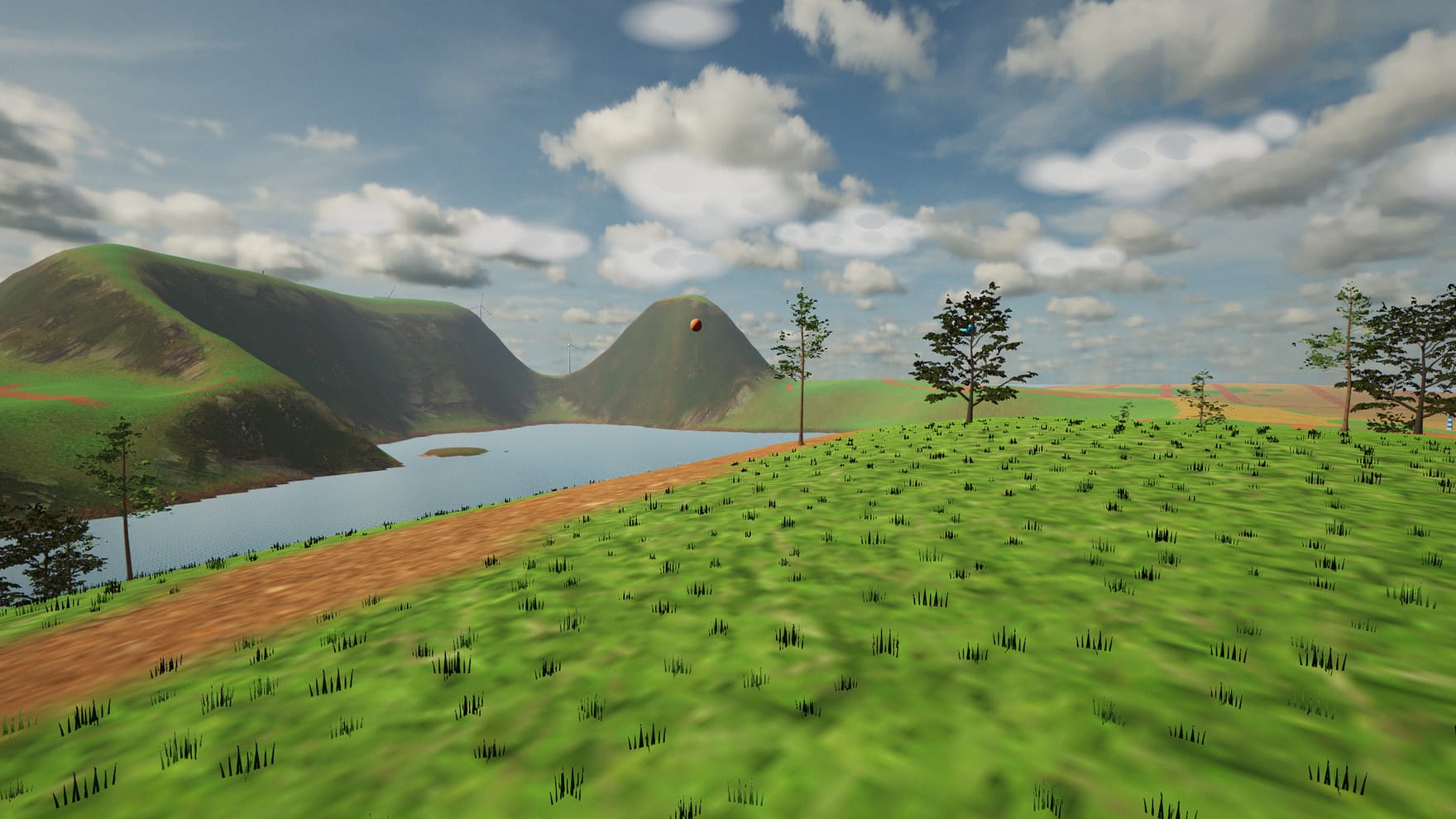
What the simulator actually teaches you
Simulators earn their keep when the habits transfer. These do:
Bank-then-pull turns
Because the sim flies coordinated turns the way a real wing does, the roll-first reflex you build here is precisely the one you need at the field.
Energy management
Speed, height and battery are one budget. Dive to gain speed, zoom to trade it back for height, keep some throttle in turns. Wings reward pilots who think a few seconds ahead.
Stall awareness
Every airframe has a level-flight lift limit — 24 to 34 km/h across Nanawing's four wings. Stall speed rises in a bank, and the warning begins before the limit. The sim lets you find that edge, feel the nose drop, and recover, at zero cost.
RTH discipline
Real long-range wings carry a return-to-home failsafe for when the radio link drops. Nanawing has the same thing on H — it levels the wing, climbs to a safe height and loiters back to the strip. Knowing when to trust the autopilot is a genuine skill.
Nobody learns FPV without hitting the ground. The point of a simulator is that the crashes are free: R puts you back on the strip with a fresh battery, instantly, as many times as it takes. Nanawing runs in the browser, costs nothing, and even works fully offline once it has loaded.
Four wings, four flight styles
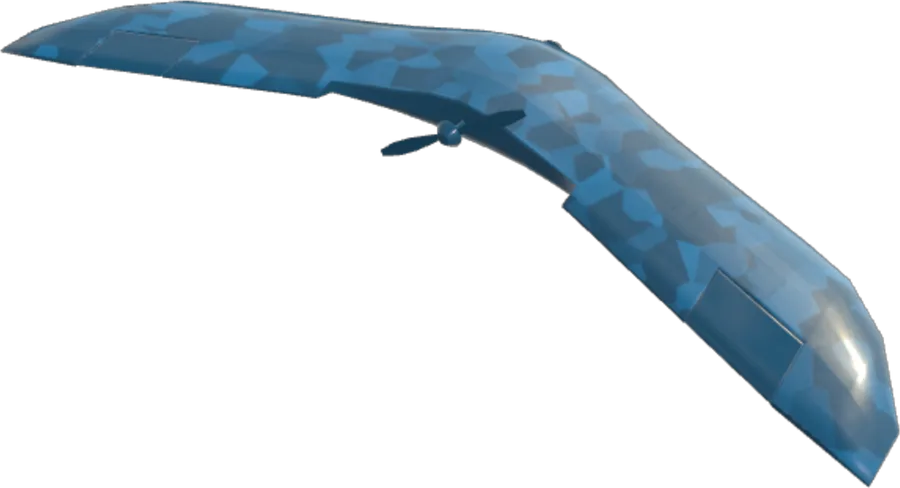
Nanawing's hangar holds four aircraft with different flight styles. An autopilot bench measures their performance in the simulator; stall speed is calculated from the level-flight lift limit. These figures describe the game, not certified performance of the real aircraft:
| Wing | Real-world class | Top / stall | Character |
|---|---|---|---|
| Nanawing One | Sub-metre trainer wing | 191 / 24 km/h | Docile, quick, forgiving — the one to learn on |
| Morok UAV | Long-range surveyor | 249 / 28 km/h | Heavier, faster, steadier — built to go the distance |
| Sukhoi S-70 Okhotnik | Heavy, fast flying wing | 323 / 34 km/h | Two kilos of delta wing that demands respect |
| WUDFLY Spectre | Compact twin-motor proximity wing | 100 / 25 km/h | Light, slower and agile — room for closer turns |
Press V to cycle between them mid-flight, or pick in the Hangar and watch the model on the strip swap instantly. The aircraft guide has the full measured specs — thrust, roll rate, climb, battery — and advice on when to move up.
Where to go from here
Read the how-to-play guide for every key and the RC radio calibration, tour the island or the new desert map to see what you'll be flying over, or skip all of it: the best introduction to flying wings is thirty seconds after pressing Launch, when the launcher throws your wing into the air and you discover that pull-back-means-climb was in your hands all along.