 narenana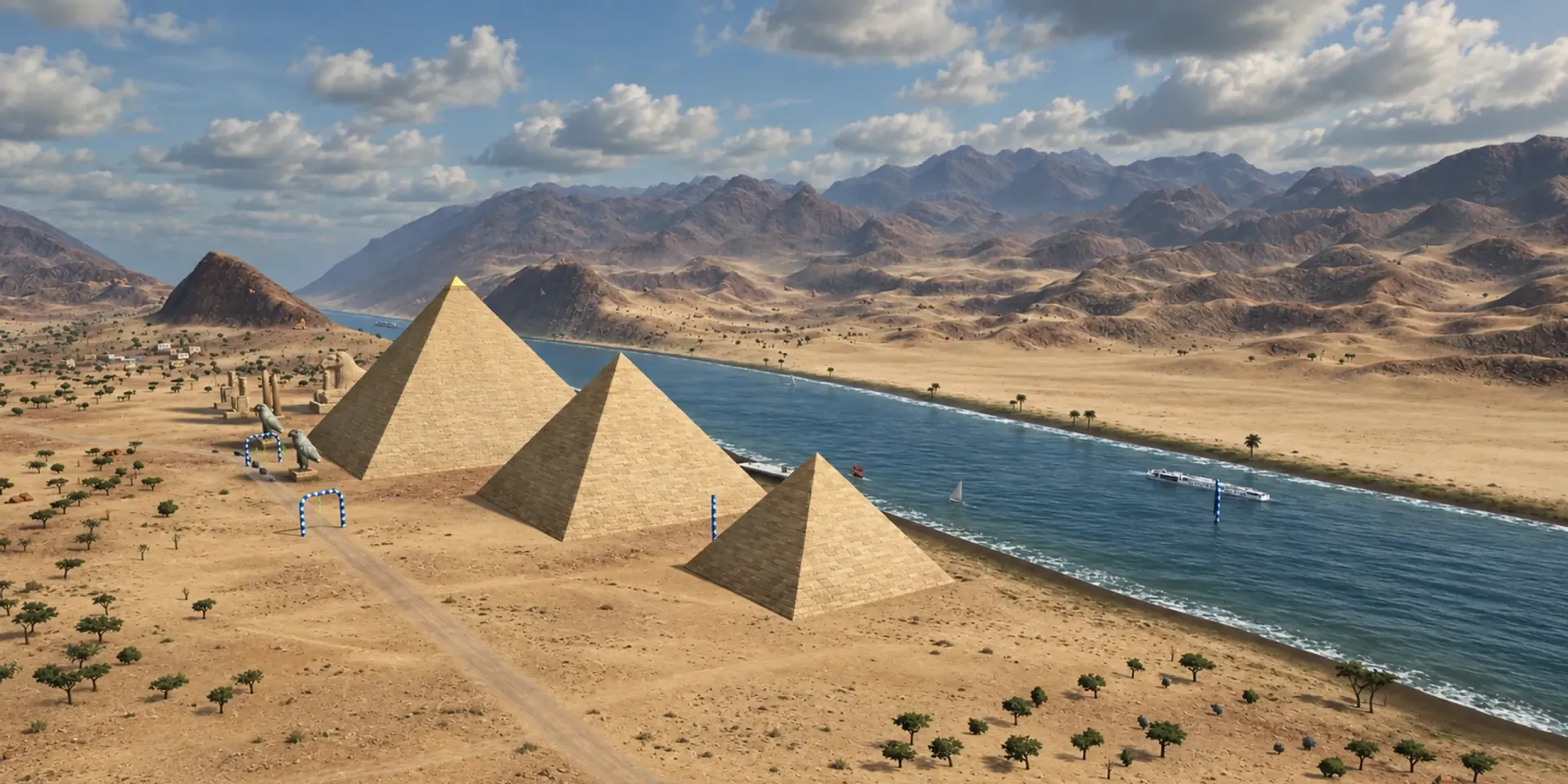
Nanawing.
Fly FPV in your browser.
A free FPV wing simulator for keyboard, gamepad or your own RC radio.
As reviewed by Giz FPV
“Whoever made this… they are an actual FPV pilot” — Giz FPV
As reviewed by Giz FPV
“Whoever made this… they are an actual FPV pilot” — Giz FPV
What FPV pilots say
“Whoever made this… they are an actual FPV pilot, ’cause they put in stuff which is realistic.”
- Free, and no hassleNo download, no signup, no powerful computer needed
- Feels like the real thingSagging LiPo, iNAV-style OSD, failsafe return-to-home
- A good way to learnReal sim practice before you risk a real wing
Two maps · the Island
Two real places to fly — not an empty test box.
The Island is baked from real-world elevation data, then dressed as temperate countryside: a quilt of crop fields, hedgerows and villages you can skim between.
- Chase the freight trains along two rail loops, or thread the river gorge.
- Lakes with boats and wakes, a waterfall, and wind turbines on the ridges.
- Two race courses — Windmill Run and River Run, with live leaderboards.
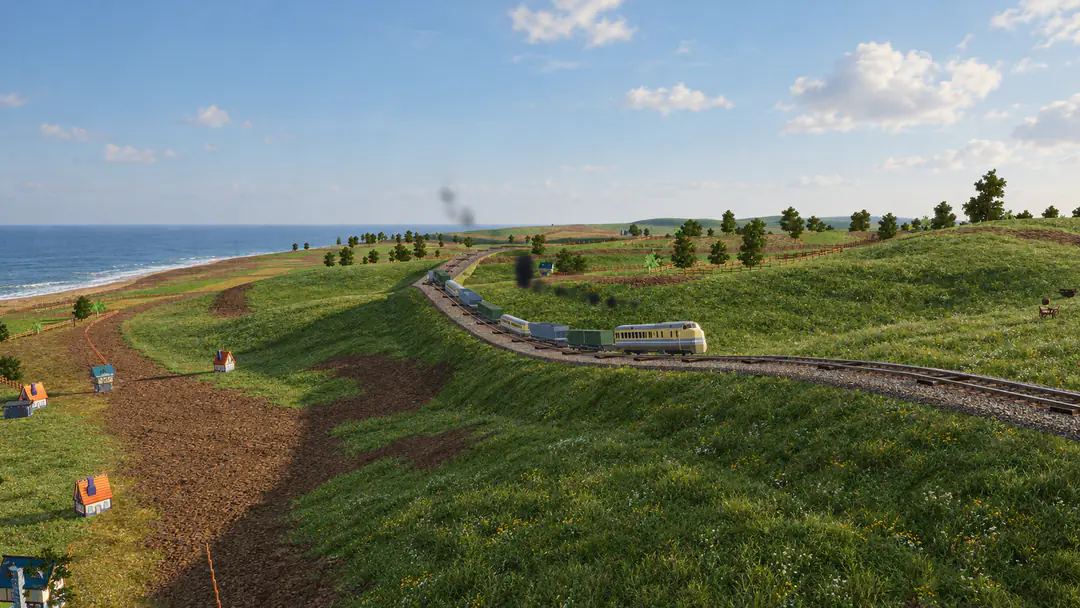 The Island · the coast line
Two maps · the Desert BETA
Fly through a mountain.
A busy airfield and a manufacturing plant under the mesas, a tunnel bored straight through the rock, barges on a wide river, temples, a sphinx avenue and three pyramids.
- Thread the mesa tunnel and three hangars on Tunnel Run.
- Climb over a temple and race the river past the pyramids on Pyramid Run.
- Fresh leaderboards — the top spots are still up for grabs.
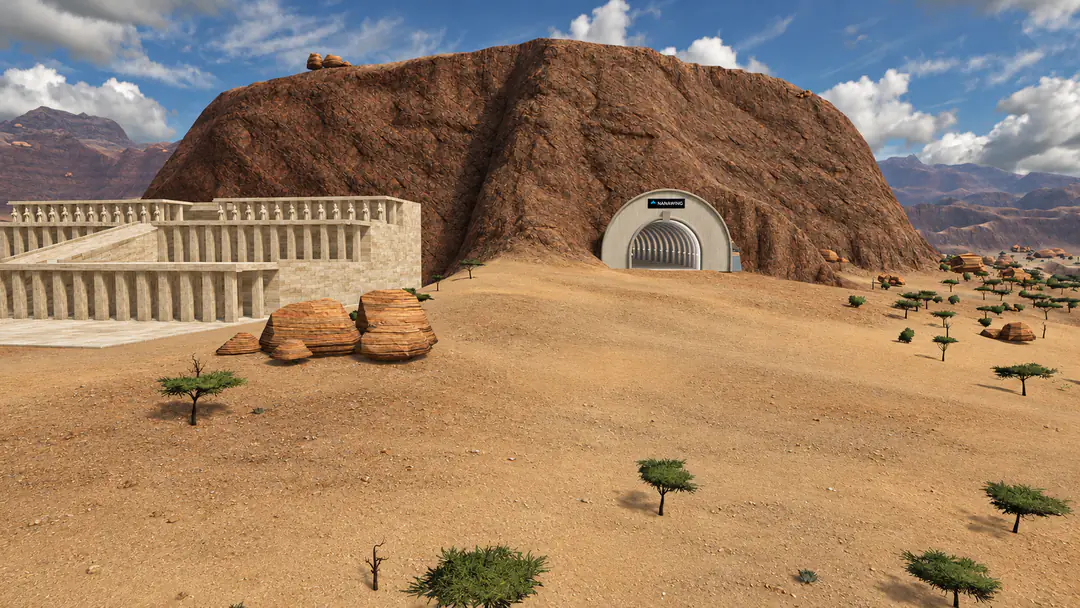 The Desert · the mesa tunnel
Real fixed-wing feel
Flies like a wing, not an arcade ship.
Bank-and-yank turns, energy management, stalls and recoveries, dead-stick landings. Line it up on final, flare, and grease it in.
- iNAV-style OSD — speed, altitude, heading, home distance.
- Simulated LiPo with voltage sag; watch your pack, not a clock.
- RTH & failsafe autopilot — fly out of range and it brings the wing home.
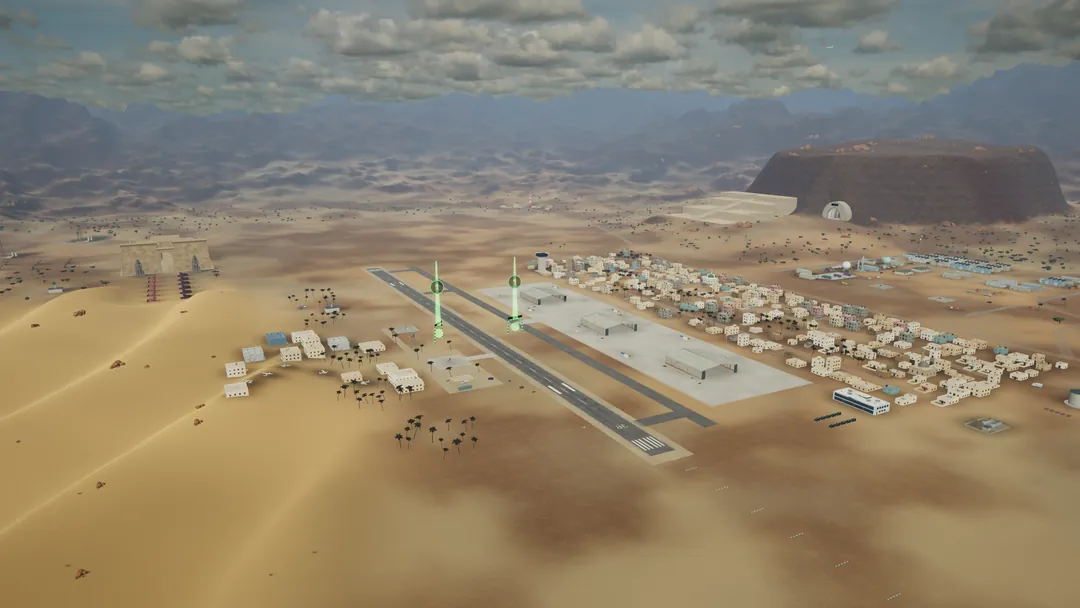 The Desert · the airfield
Fly with what you have
Keyboard, gamepad, or your real radio.
Keyboard
Works out of the box — W/S pitch, A/D roll, Shift/Ctrl throttle, Space to launch.
ZERO SETUPGamepad
Xbox / PlayStation pads auto-detect with a sensible default mapping. Pick it up and fly.
AUTO-DETECTRC radio
EdgeTX / RadioMaster in USB-joystick mode. A guided wizard maps your channels in under a minute.
CALIBRATION WIZARDMade for FPV pilots
Your off-season field, one tab away.
Weather grounded you? Battery's charging? Get reps in on turns, lines and landings without leaving your desk — then take it to the field.
- Chase and true-FPV camera views, with a wide FPV field-of-view.
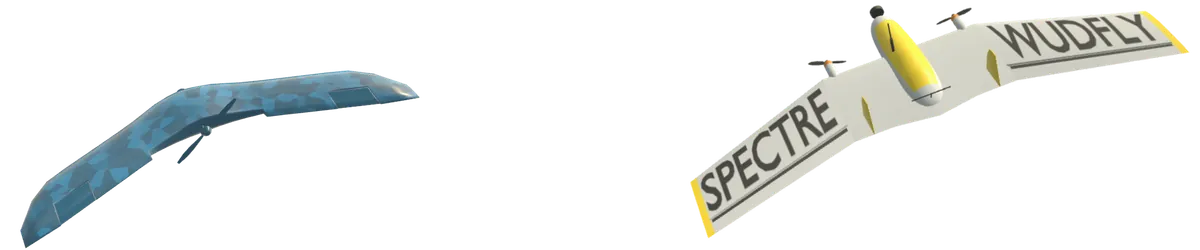
- Four aircraft with distinct handling — including the light, agile Spectre by WUDFLY.
- Runs on Chromebooks and Macs — anything with a WebGL2 browser.
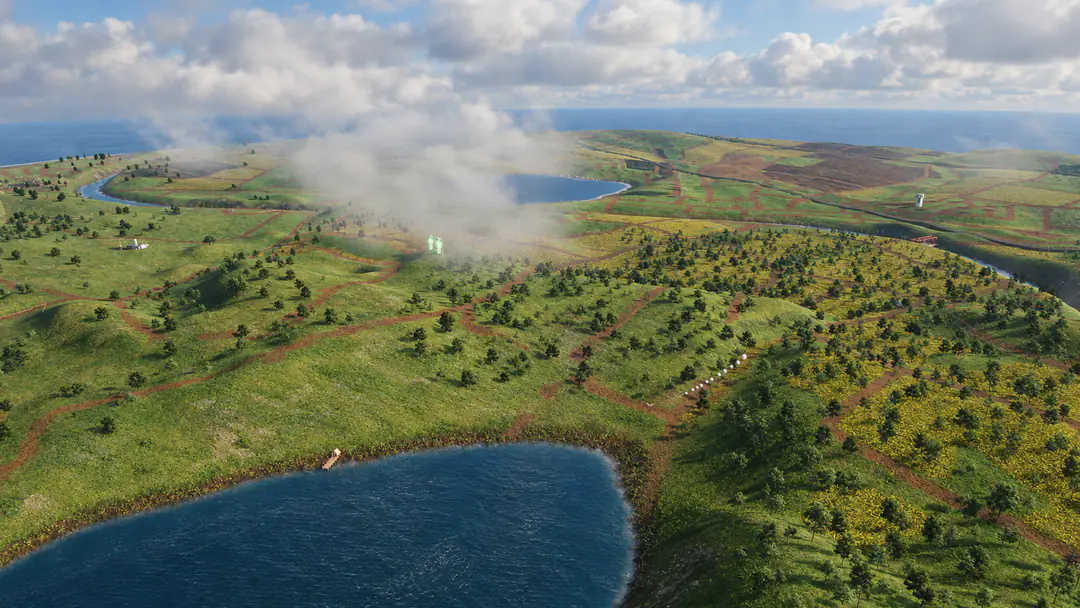 The Island · low cloud
Before you launch
Common questions
- Is it really free?
- Yes — free to play, no signup, no ads in the sky. It's a personal project by narenana, a pilot who flies wings on weekends. Reviewing it, Giz FPV put it plainly: completely free, and you don't even need a powerful computer.
- Do I need a controller?
- No. Keyboard flying works fine (W/S pitch, A/D roll, Shift/Ctrl throttle). A gamepad or RC radio just makes it feel closer to the field.
- Can I use my RadioMaster / EdgeTX radio?
- Yes — set the radio to USB joystick mode, plug it in and nudge a stick; the calibration wizard maps your channels in under a minute.
- Does it work on a Chromebook or Mac?
- Yes — anything with a WebGL2 browser. There's nothing to install, so locked-down machines work too.
- Is this a drone (quad) simulator?
- No — Nanawing is a fixed-wing simulator. If you fly FPV wings or planks, this is your practice field; quads fly very differently.
- Where can I learn more?
- Start with how to play for the keyboard and RC radio controls. The flying guides cover the four aircraft, racing and the leaderboards, and each map has its own page: the Island and the Desert.
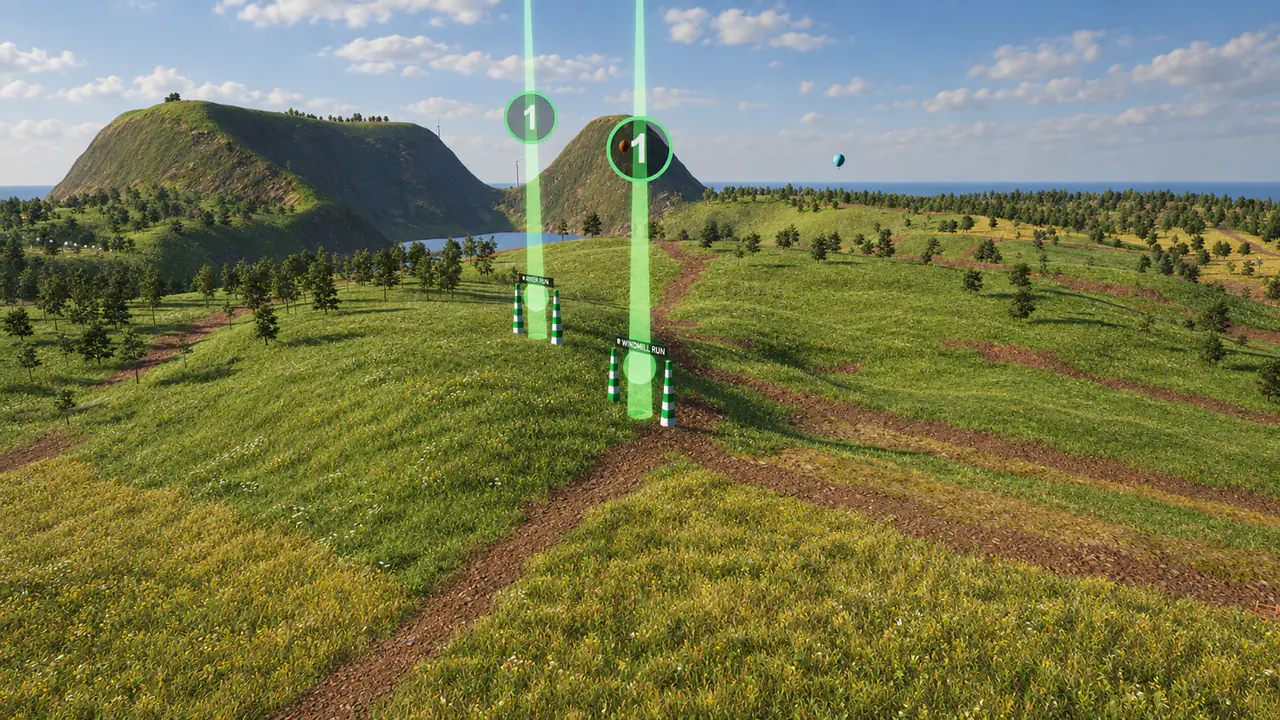
Ready? Hand-launch and go.
Loads in a few seconds · no account needed